
Symptom
When Microsoft Teams is opened from Producer, switching back to Producer and then trying to return to Teams may display the following message:
“We’re sorry – We’ve run into an issue.”
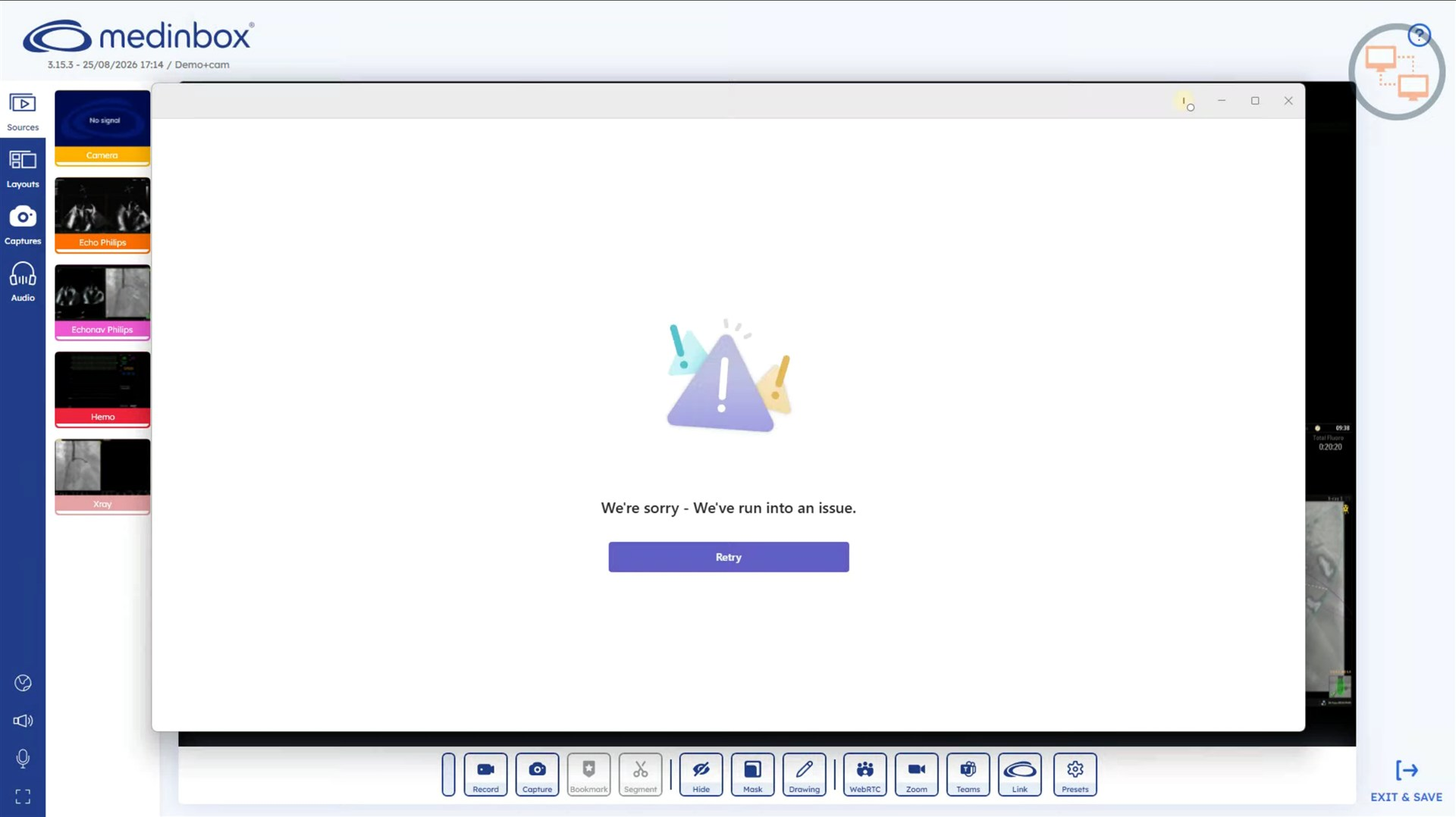
This can prevent Teams from being displayed correctly when reopening it from Producer.
Workaround
Instead of reopening Teams from Producer:
- Press Alt + Tab on the keyboard.
- Select the existing Microsoft Teams window.
- Continue using Teams normally.
Important
Do not restart Teams if the meeting is already running.
Use Alt + Tab to switch between Producer and Teams during the session.