
For compatibility purposes, make sure your external drive is formatted in "exFAT" or "NTFS" (external drive formatting procedure ).
To send cases to an external drive, please follow the next steps.
- Firstly, open "Recorded Cases" in Medinbox Producer.
- Next, select the specific case you wish to export by clicking on it:

- Once the case is opened, the following window should be displayed:
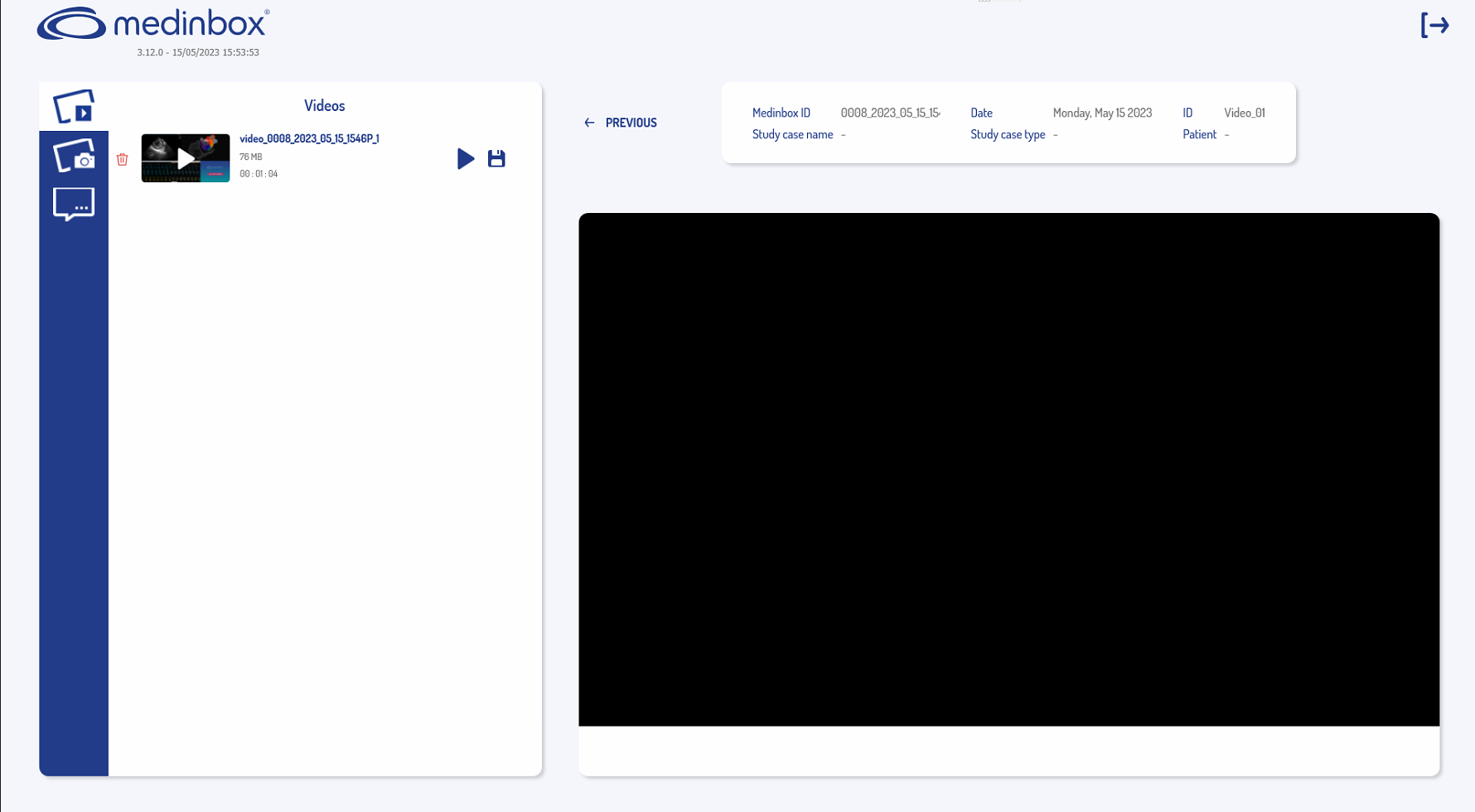
Select the  icon. Subsequently, the displayed window will prompt the selection of the desired device for saving:
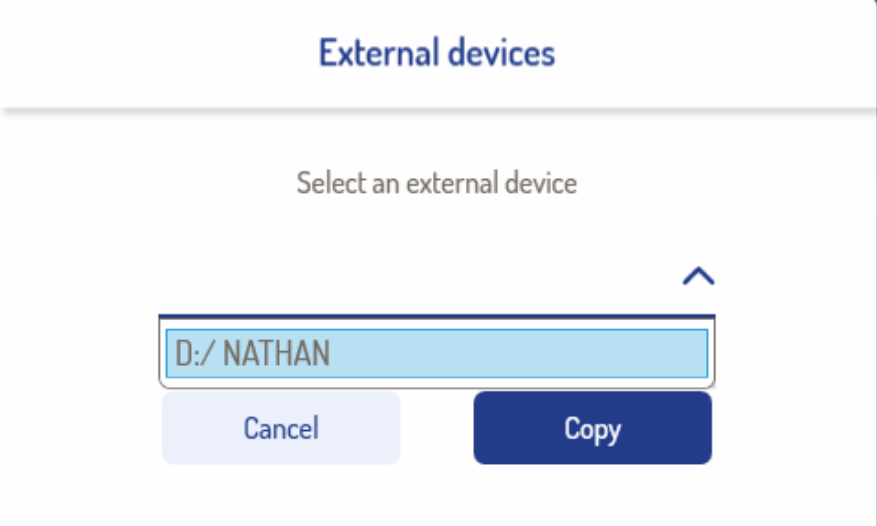
- Select the device you want, then click on Copy.
The case is now saved in the device you have chosen.
Related to