
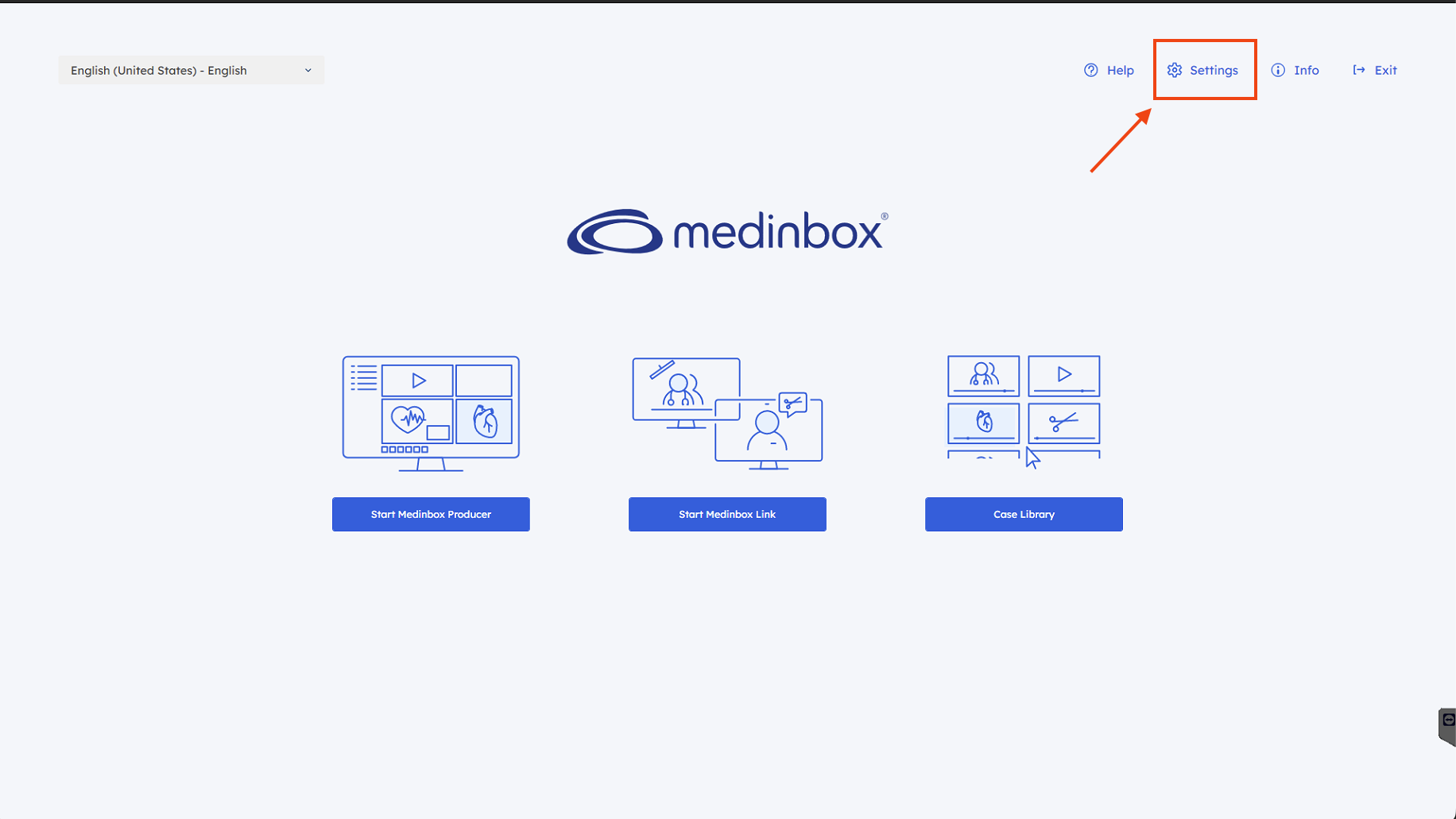
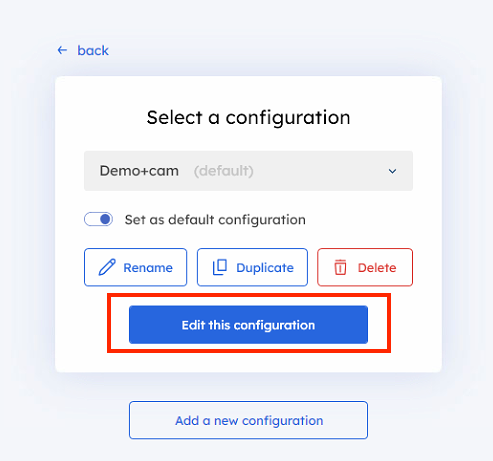
- First of all, go to AppCenter > Settings > edit the desired configuration:
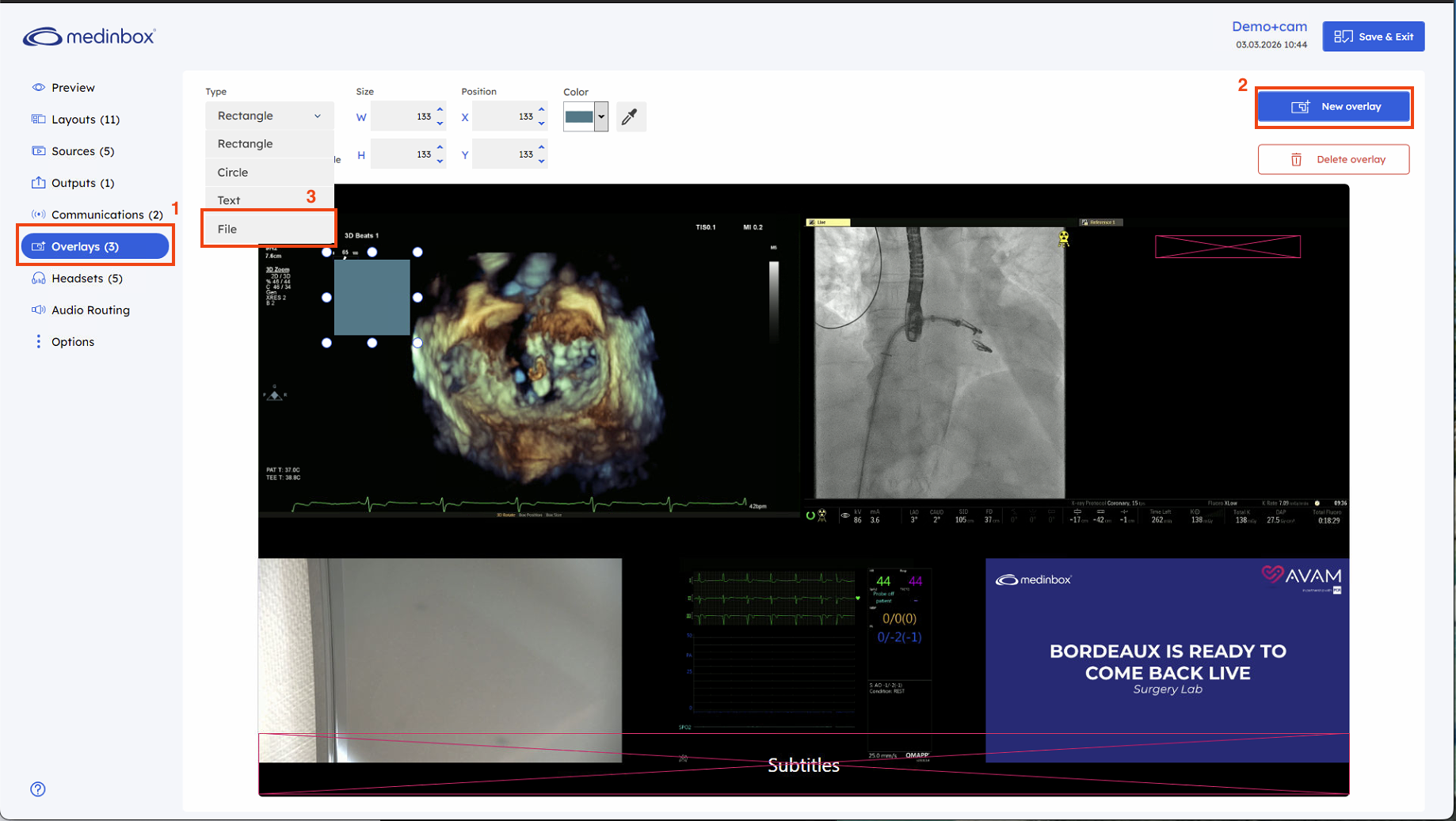
- Select “ Overlay” on the left panel > New Overlay > File:
- Select a file:
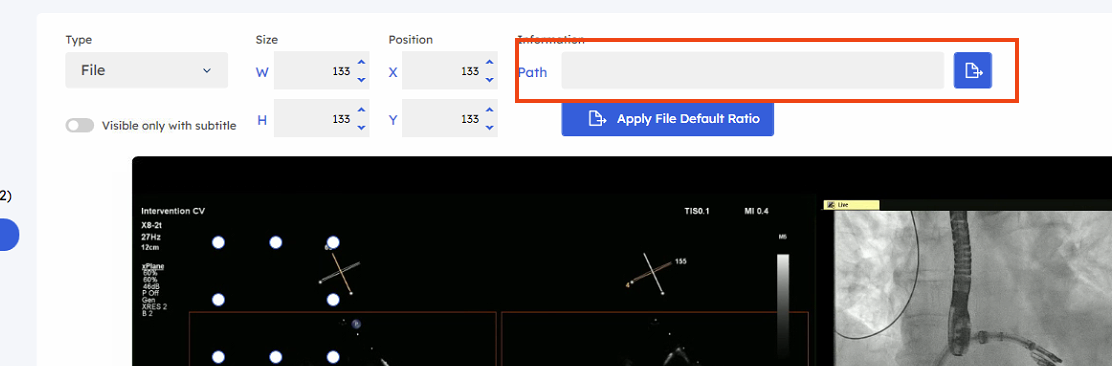
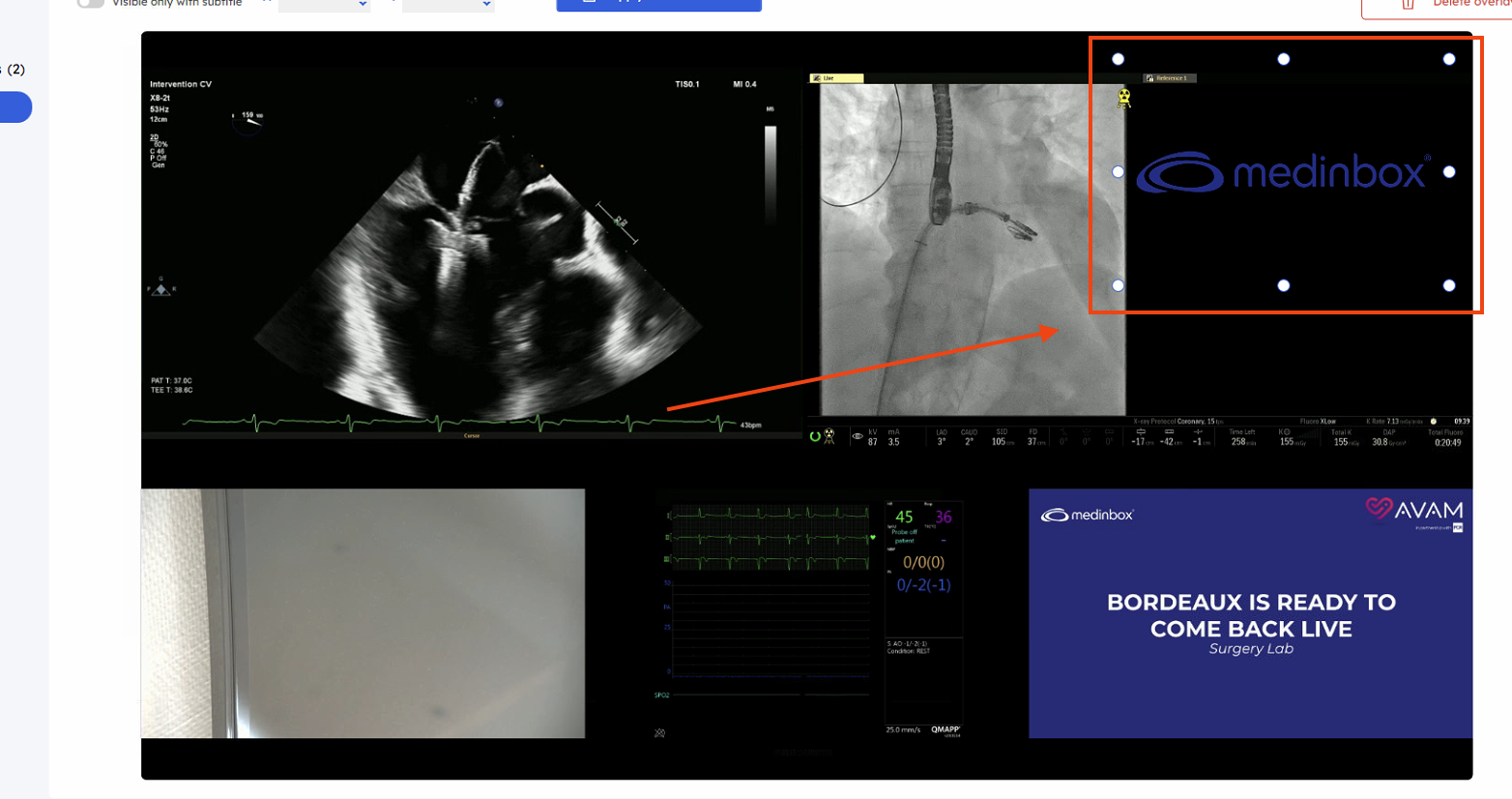
- Then you can drag the logo and resize it:
⚠️By default, you'll likely encounter the following error message while trying to select the file⚠️
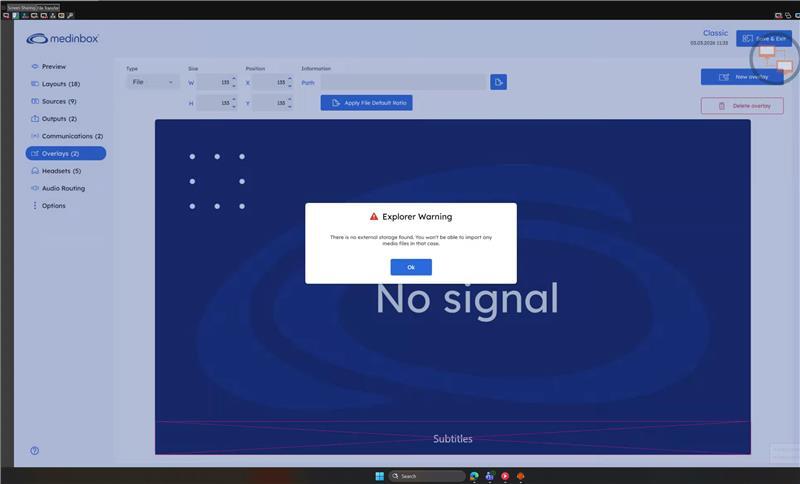
That's the expected behaviour as the app is preventing access to the explorer, unless an external storage drive is plugged in. Fortunately, you can bypass the limitation following stop steps:
- browse to C:\Users\Public\Medinbox
- Create a new folder called Logos
- Put your file(s) in there so they can be selected via the menu that showed the error message earlier
Related to