
Symptom
The Medinbox screen displays the image in black and white instead of normal colors.
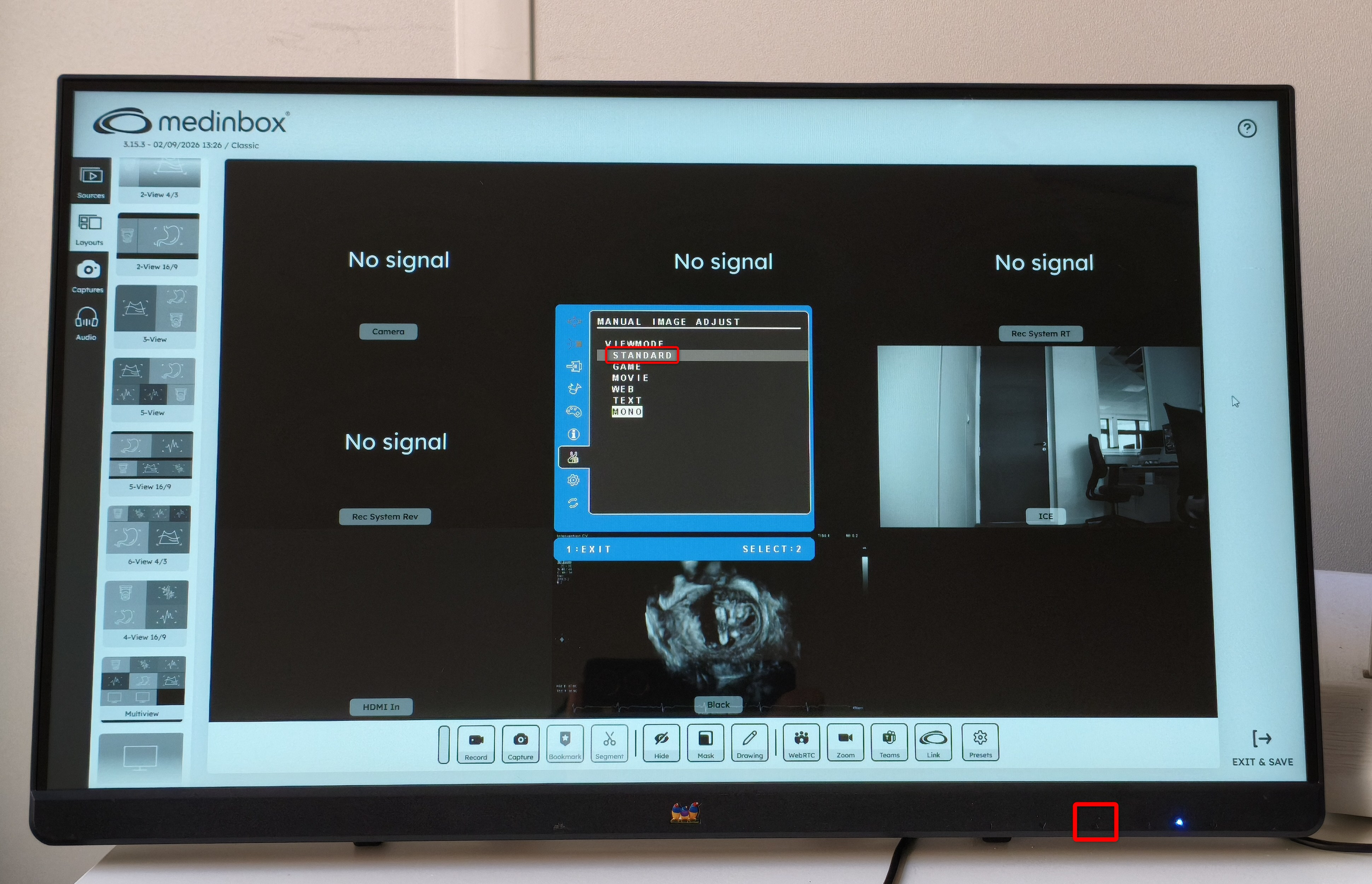
This usually occurs when the display has been switched to MONO Mode.
Solution – Switch to Standard ModeBefore starting, make sure that:
- The Medinbox screen is turned ON.
- An image is currently displayed on the screen.
Then:
- Locate the touch-sensitive control buttons at the bottom-right of the screen.
- Press the Up arrow (▲).
- Press the Up arrow (▲) again to change the display mode from MONO to Standard Mode.
- Press 2 to confirm the selection.
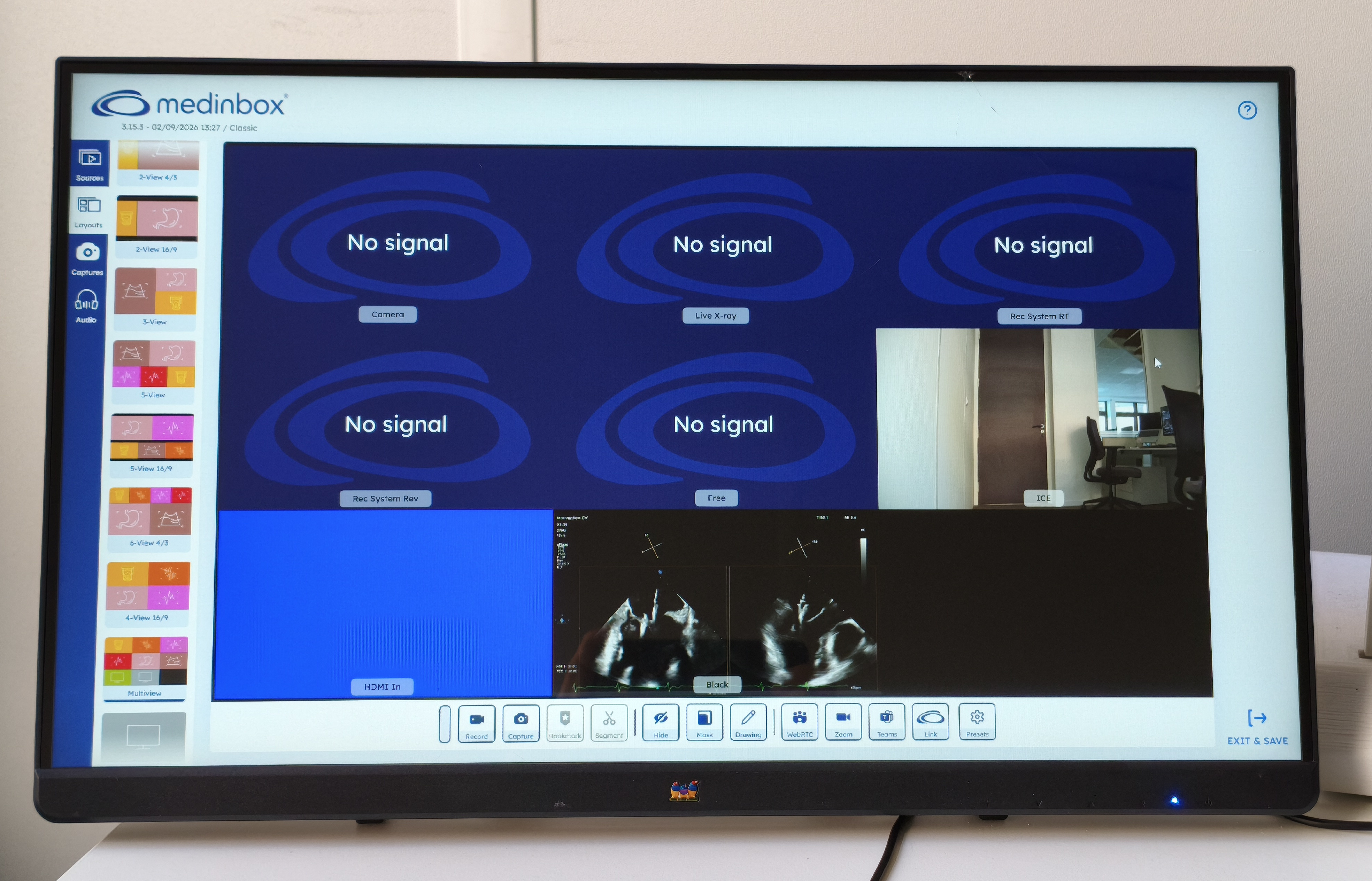
- Verify that the screen is displaying colors normally again.
The display returns to Standard Mode, and images are shown in their normal colors.
If the screen remains in black and white after following these steps, please contact Medinbox Support for assistance.