
Attempting to power up your Medinbox Corebox yields no response
Firstly, check if the power cable is correctly connected. You will find at the bottom of the Corebox, the power socket and cable.
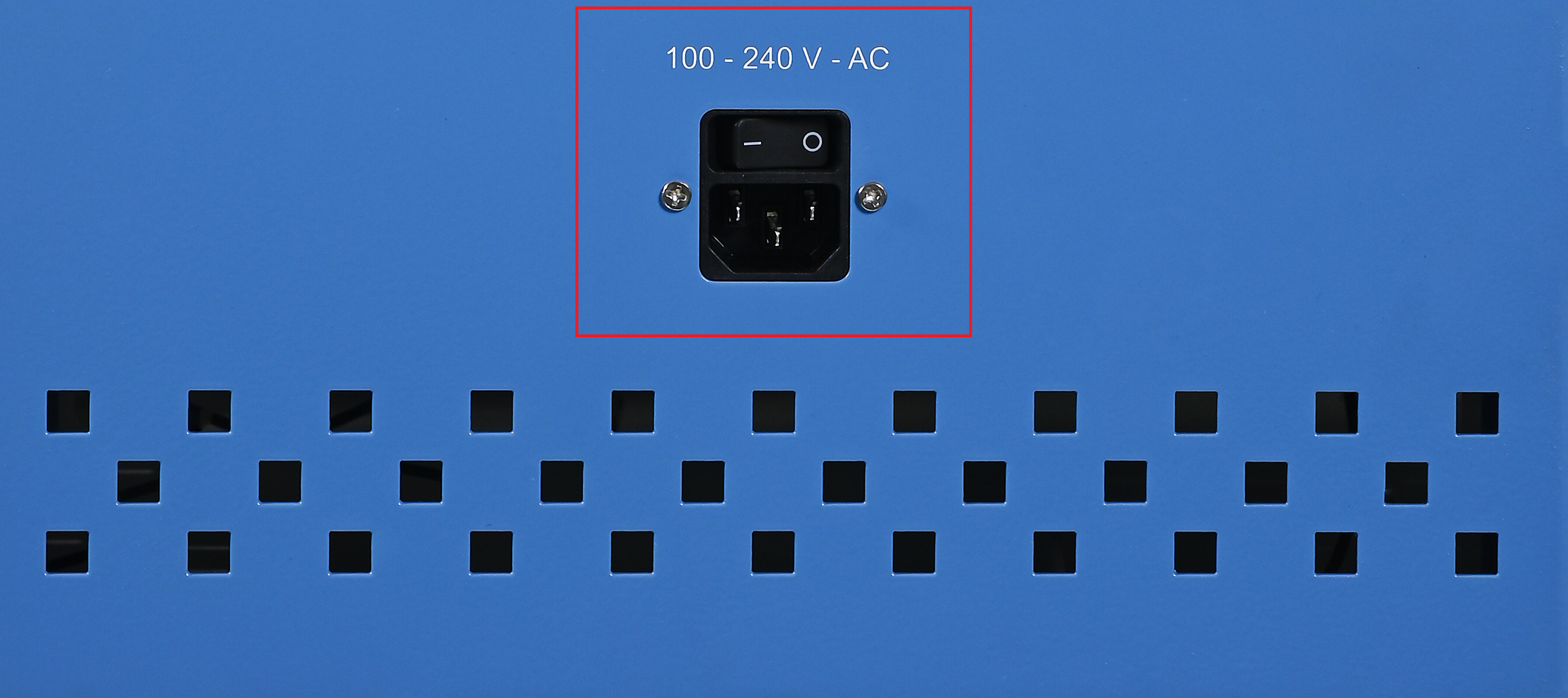
Verify the correct position of the power switch, located just above the power socket. Ensure that the cable linked to the Corebox is appropriately connected to its power socket.
Try now to power your Corebox by pressing on any key on the keyboard.
If all attempted solutions have been unsuccessful, please don't hesitate to contact Medinbox Support Services for further assistance: support@medinbox.com